
Get Web Dev Clients: Google Maps Bulk Email Strategy
If you're a freelance developer or agency struggling to find paying clients, the fastest way to get web dev clients is to pull local business leads straight from Google Maps and reach out with targeted bulk email. Most local businesses: dentists, contractors, salons, restaurants: either have no website or an outdated one, and Google Maps shows you exactly who they are, where they are, and how to contact them. This Google Maps bulk email strategy turns that public data into a repeatable client pipeline instead of relying on cold calls or expensive ads.
Why Google Maps Works Better Than Cold Outreach Alone
Google Maps listings are essentially a live directory of local businesses, each backed by a Google Business Profile that often includes a phone number, category, and sometimes a website link (or a missing one). A missing or broken website field is one of the clearest buying signals you'll find: it means the business owner hasn't invested in a web presence yet, or their current one has fallen out of use. Searching by category and location lets you build a highly qualified list in minutes instead of guessing who might need your services.
Step 1: Define Your Target Business Category
Before pulling any data, decide which niche you want to target: for example, "plumbers," "law firms," or "hair salons." Narrowing by category improves relevance and makes your outreach emails easier to personalize. A tightly defined audience almost always converts better than a broad, generic list.
Step 2: Pull Business Data from Google Maps
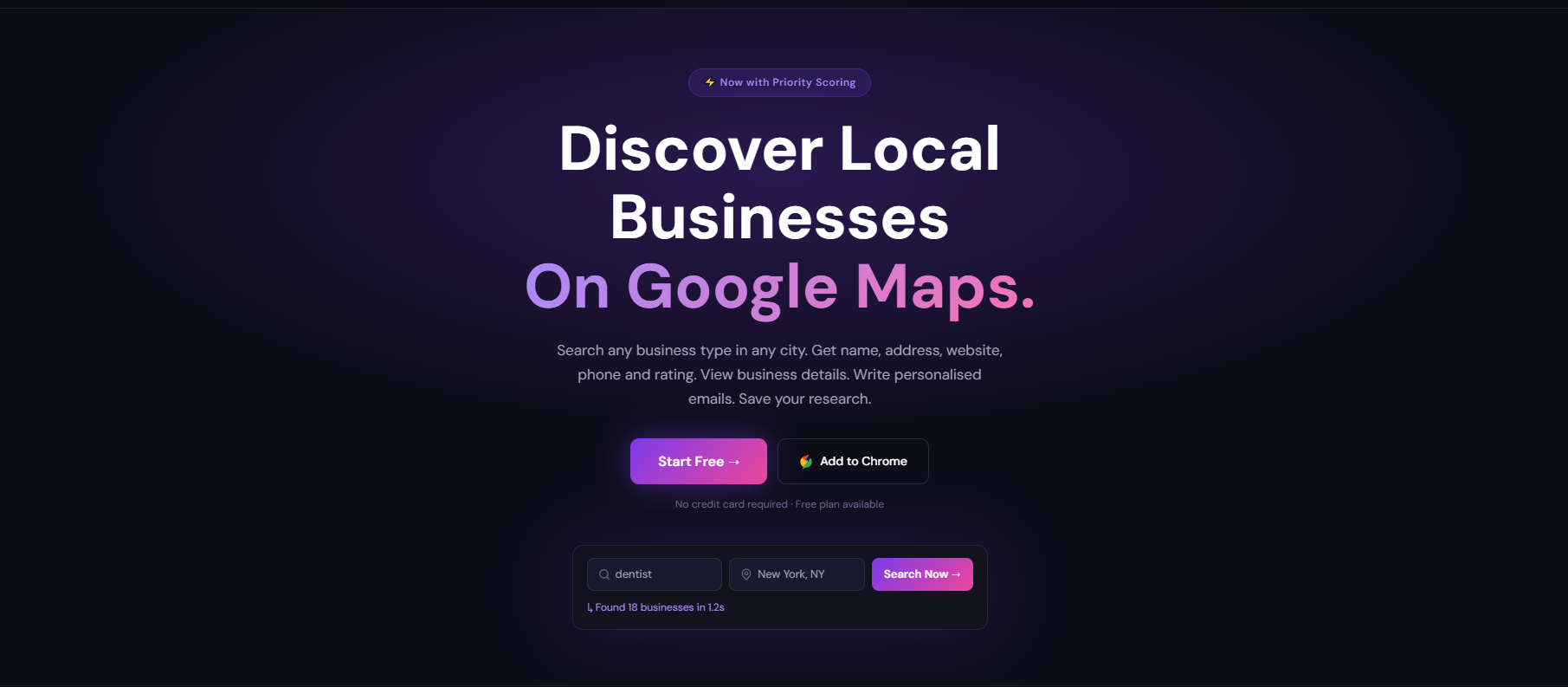
This is where a tool like The MapLeads speeds things up. Instead of manually copying details from map listings, you enter a business category and a location, hit search, and get a full list of matching businesses pulled from their Google Business Profiles: names, categories, and other listed contact info. You can export the results or save them directly for outreach. If you want a broader walkthrough of sourcing leads this way, this free local lead guide and this B2B lead generation guide both go deeper into qualifying leads before you contact them.
Step 3: Organize Your List Before You Email
Once you've exported your leads, group them into a working list rather than emailing straight from a spreadsheet. Inside the MapLeads dashboard, you can keep your saved businesses organized by category or location, which makes it easier to run separate campaigns for separate niches instead of blending everyone into one generic blast.
Step 4: Send Bulk Outreach Emails
With your list ready, the next step is outreach. From the dashboard, you can generate AI-written emails and send them in bulk with one click, rather than writing each message by hand. A few practical tips for this stage:
Keep the subject line specific to the business, not generic
Mention something visible on their current site (or the lack of one)
Include one clear call to action: a call, reply, or short demo
Avoid sounding like a template; short and direct outperforms long pitches
Step 5: Track Replies and Follow Up
Sending the email is only half the job. Inside the campaigns dashboard, you can track how your sent emails perform and follow up with businesses that haven't responded yet. Most replies come from a second or third touch, not the first email, so building follow-up into your process matters more than the initial send.
Bonus: Add LinkedIn as a Second Lead Source
Google Maps isn't your only source of decision-maker emails. The MapLeads – LinkedIn Email Finder Chrome extension adds a second channel:
Install the extension from the Chrome Web Store
Connect your LinkedIn account and add your API key
The extension appears directly on LinkedIn profiles
Search for prospects and pull bulk emails, or find individual ones
Save or download the results, then send bulk emails from the same saved list
Track results back in the MapLeads dashboard alongside your Maps campaigns
This is useful when you want to target decision-makers at businesses that don't have a strong Maps presence, or when you want to combine local business data with LinkedIn contacts for the same niche.
Common Mistakes to Avoid
Emailing everyone the same message: personalization by category and location performs far better than a generic blast
Skipping the qualify step: not every business without a website needs one right now; check the B2B qualification guide before assuming intent
Sending once and giving up: most conversions happen after a follow-up, not the first email
Ignoring integrations that connect your campaign tracking with the rest of your workflow
What to Expect Realistically
Bulk outreach from Google Maps data won't fill your pipeline overnight, but it consistently outperforms cold calling in terms of time spent per lead. Response rates depend heavily on your niche, email quality, and follow-up cadence: treating this as an ongoing weekly process, rather than a one-time blast, is what actually gets web dev clients on a repeatable basis.
Comments
Join the discussionNo comments yet. Be the first to comment.